1. Visible post
When a card is about 35% in view, the extension reads that post. Comments are skipped. Text shorter than 40 characters never leaves the browser.
 LinkedIn AI Slop
sciema.app / LinkedIn AI Slop
LinkedIn only · Chrome, Brave, Edge, Firefox, and Safari
A badge while you scroll the feed: Human, Mixed, or AI slop. Hover a scored badge to see “AI slop: N%”. Scoring goes through TypeSafe Jev. The API key never enters the extension. Labels on the badge stay Polish: Ludzki, Mieszany, AI slop.
The hosted proxy is a public demo with limits. For daily use, run your own proxy and your own key (BYOK). The Chrome Web Store is not the install path yet. The same zip runs in Chrome, Brave, and Edge. Firefox is a separate XPI (temporary add-on, no AMO listing). Safari is a Mac build, with no App Store listing.
When a card is about 35% in view, the extension reads that post. Comments are skipped. Text shorter than 40 characters never leaves the browser.
One call per post: model jev-latest, questions is_ai_slop, slop_intensity, has_substance, voice. The default threshold is 0.65.
The color is decided in the repository. Hover the badge to see the probabilities, including “AI slop: N%”.
An AI slop verdict covers the card with a full-width banner: “AI slop” and a Pokaż button. After you reveal the post, the button becomes Ukryj. “Cover AI slop posts” is on by default.
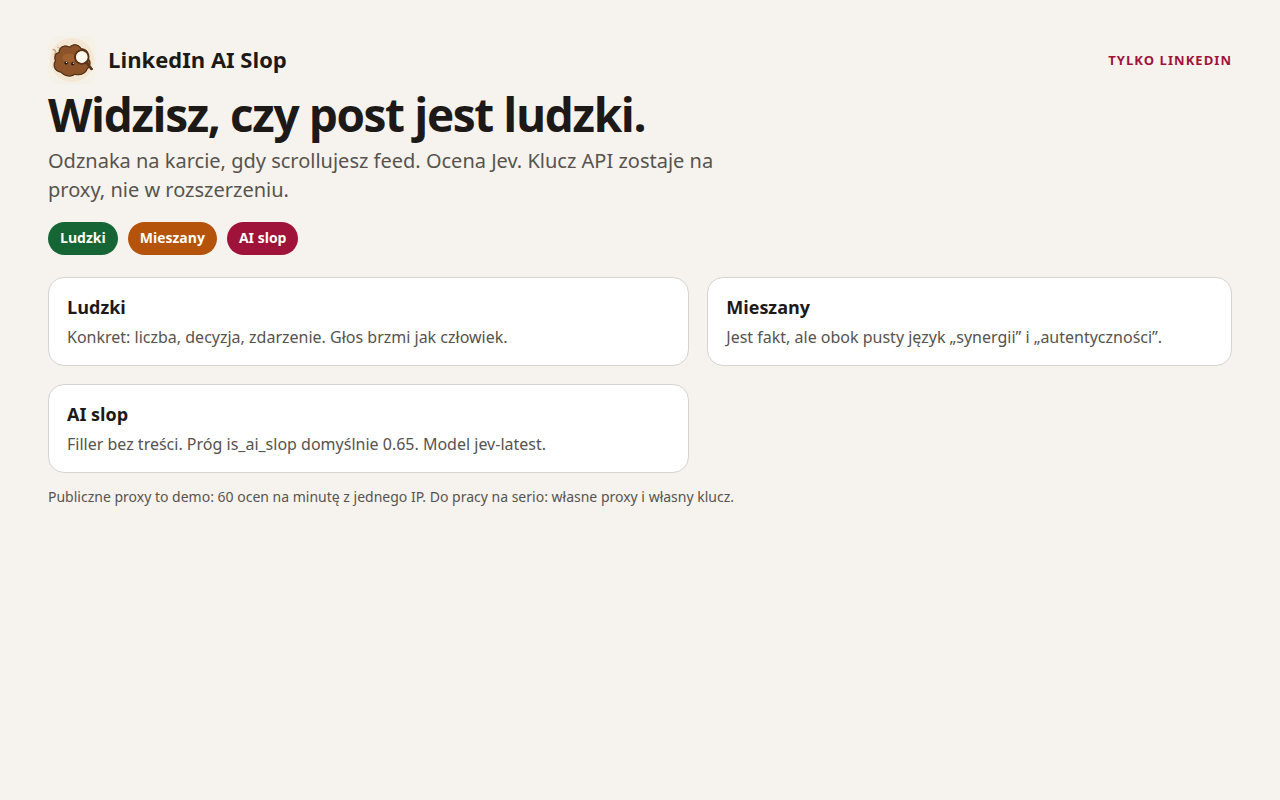
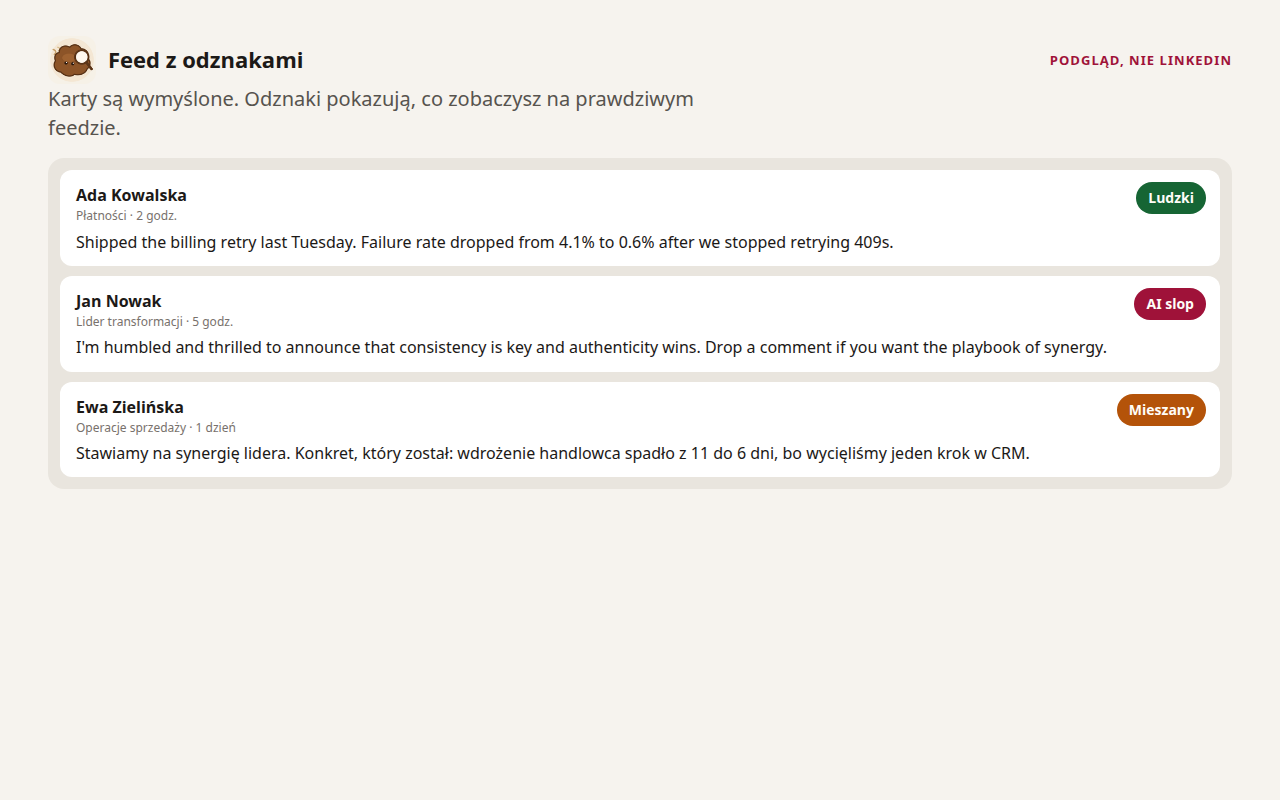
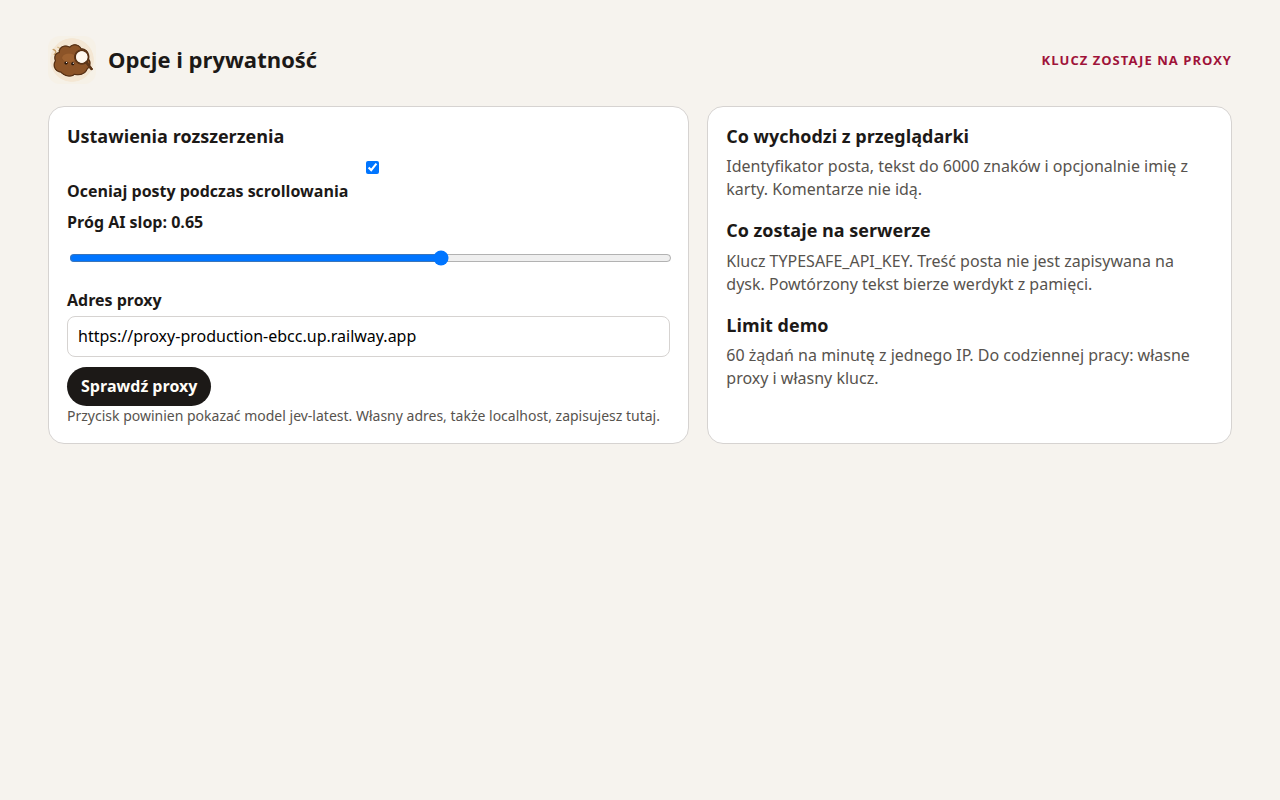
The model scores each post from 0 to 1. The „AI slop” badge appears when the score is at or above your threshold. The slider runs from about 0.15 to 0.95. The default sits around 0.65.
A threshold of 0.15 catches a weaker signal. More cards get the „AI slop” badge.
A threshold of 0.95 lets through only a strong signal. You see fewer „AI slop” badges and more „Ludzki” or „Mieszany”.
LinkedIn only. The extension is free. The paid plans are Hosted Pro, Lifetime Pro, and Team. Checkout is on.
Live today
0 USD
Your own proxy and your own TYPESAFE_API_KEY in server/.env. In options pick BYOK and set the URL, for example http://127.0.0.1:8787. You set the limits.
Live today, marketing
0 USD
Public proxy https://proxy-production-ebcc.up.railway.app. This is not a paid plan. About 60 scores per minute per IP. The Demo daily cap is about 200 scores per IP (DEMO_MODE, when no explicit cap is set).
Available now
from about 5 USD/mo or about 40 USD/yr
The public proxy with higher limits. After you pay, you get a Pro token and paste it in the extension options. Monthly or yearly subscription via Stripe Checkout.
Launch offer
199 PLN
One time. One Pro token that does not expire. The sales cap defaults to 50 (the count below shows when the proxy answers). Cancelling Hosted Pro or Team does not revoke it.
Yearly subscription
990 PLN / year
10 Pro tokens, one per install. Cancellation revokes all of them. Checkout collects a tax ID for the invoice.
store/linkedin-ai-slop-extension.zip.chrome://extensions or edge://extensions and turn on developer mode.extension/.The Chrome Web Store listing is not published. Rebuild the zip with npm run pack:extension.
Same Chromium package. There is no separate Brave file.
brave://extensions and turn on developer mode.extension/.Separate XPI, same scripts. Firefox 142+. There is no addons.mozilla.org listing.
npm run pack:firefox builds store/linkedin-ai-slop-firefox.xpi.about:debugging#/runtime/this-firefox.Xcode project in safari/. On a Mac: bash scripts/build-safari.sh. This is not an App Store or TestFlight build.
www.linkedin.com.The proxy receives the post id, the text (up to 6000 characters), and optionally the name on the card. It does not write post text to disk. The extension stores the toggle, the threshold, the mode, the proxy URL, and an optional Pro token. The TypeSafe key is not stored there.
The full policy and terms stay on the GitHub Pages site: privacy, terms, demo.
No. Load the unpacked extension/ folder. The same package runs in Brave and Edge.
Hosted Pro: about 5 USD per month or about 40 USD per year. Lifetime Pro: 199 PLN, one time. Team: 990 PLN per year for 10 tokens. BYOK and Hosted Demo are 0 USD.
A Pro token. Paste it in the extension options. It is not the TypeSafe key. Demo has lower daily caps. Pro is for heavier use.
No. It is a Mac build from Xcode, with no App Store and no TestFlight. Nothing has been sent to App Store Connect.
No. It is for LinkedIn only. For scam labels and suspicious claims on ordinary pages, see Sciema.
Paweł Mamcarz. Portfolio: mamcarz.com. Code: github.com/pawelmamcarz/linkedin-ai-slop.